

TL;DR

Turn your wind-down time into listening time
- Thousands of audiobooks, podcasts and originals
- Listen on your phone, tablet or Echo — also offline
- Cancel anytime
This article explores how a single video can generate a complete set of publishing assets without cloud reliance. It highlights tools, workflows, and benefits for creators seeking control, speed, and privacy in their publishing process.
Imagine finishing a video and having a whole marketing or publishing package ready for launch—without ever uploading to the cloud. That’s the promise of a local-first workflow. It’s about keeping everything on your machine, gaining speed, privacy, and control, all while automating the heavy lifting. Learn more about local publishing workflows.
This approach isn’t just a tech gimmick. It’s a game-changer for creators, publishers, and marketers who want to streamline their process and avoid the headaches of cloud dependency. Today, I’ll show you how one source video can become a full publishing kit—everything you need, all stored locally, ready to deploy across channels. Discover more about local publishing solutions.
How a Single Video Transforms into a Complete Publishing Kit
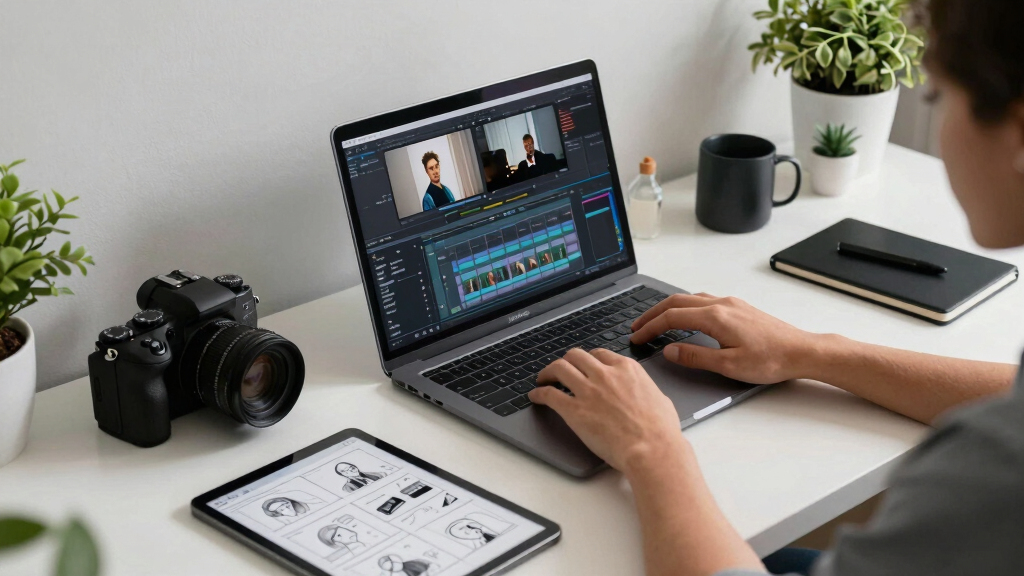
When you hear “one video in, a whole kit out,” it sounds like magic. But it’s really just smart tech working behind the scenes. The process starts with analyzing your video on four layers: audio, visuals, fusion, and intelligence.
For example, your video about a new product launch gets transcribed with speaker labels and timing. The system recognizes scene changes, reads on-screen text, and matches these elements onto a timeline. Then, it identifies key moments—those hooks that grab attention—and drafts assets like titles, descriptions, thumbnails, and social clips.
All these assets are gathered into a single package—your media kit—that’s ready for distribution. No cloud servers, no waiting for uploads. Just a local, structured, and hyper-efficient pipeline that turns one recording into dozens of assets, tailored for every platform.
This process is vital because it enables rapid content adaptation and distribution, ensuring that your messaging remains consistent across channels. It also reduces the risk of errors that often occur during manual assembly, such as mismatched branding or outdated information. However, this efficiency comes with a tradeoff: the initial setup can require investment in quality hardware and some familiarity with the software, but the long-term gains in speed and control are substantial.
Products Worth Considering

Bowflex PR1000 Home Gym
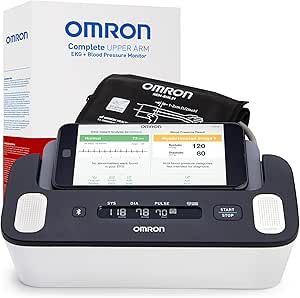
OMRON Complete 2-in-1 Upper Arm Blood Pressure Monitor with EKG

Levoit Vital 100S-P Air Purifier with Washable Pre-Filter
As an affiliate, we earn on qualifying purchases.
What Files Should Your Publishing Kit Actually Include?
Think of a media kit as a Swiss Army knife for your content. It should have:
- High-res and low-res cover images
- Multiple aspect ratio thumbnails for web and social media
- A clean, annotated transcript
- Short clips or teasers for Instagram, TikTok, and Shorts
- A one-sheet with key facts, stats, and contact info
- Meta data: tags, descriptions, hashtags
For example, a YouTube video about a webinar might produce a downloadable PDF one-sheet, a set of square thumbnails, vertical clips for TikTok, and social media posts—all tailored for each platform’s specs.
Automating this process ensures that your assets are not only consistent in quality but also optimized for each channel’s unique requirements. This reduces manual workload, minimizes human error, and speeds up your overall publishing cycle. A well-structured kit can be a powerful tool to maintain brand coherence and maximize reach, especially when time is limited or multiple assets are needed quickly.

How Is This Different from a Standard Media or Press Kit?
Traditional media kits are assembled manually—images, bios, press releases, and sample content. They’re often static and tailored for specific outlets. This new approach automates and packages everything from a single source video, making the process faster and more adaptable.
For instance, instead of manually creating a press release, you can generate an updated one with key stats automatically extracted from your video. Instead of static images, your kit includes multiple resolutions and formats customized for each platform, all generated on your machine.
This method reduces human error, keeps assets consistent, and speeds up your entire launch cycle. It also allows for quick updates—if your message or data changes, you can regenerate your assets instantly instead of starting from scratch. The flexibility and speed gained here can be a decisive advantage in fast-paced marketing environments.

What Can Be Automatically Generated from Just One Video?
From one source video, you can produce:
- Multiple titles and descriptions scored by relevance and length
- Thumbnails and cover images in various sizes and styles
- Short clips optimized for social media
- Blog drafts or newsletter summaries
- Social media posts tailored to each platform’s style
For example, a webinar recording can yield a catchy YouTube title, a tweet thread, a LinkedIn article, and Instagram story clips—all from the same analysis. The key is that the system understands the content’s points and hooks, not just the words.
This automation enables a level of personalization and relevance that manual processes struggle to match. It allows creators to rapidly test different messaging angles and formats, ensuring that each asset resonates with its target audience. Moreover, because everything is generated from a single source, maintaining consistency across channels becomes much easier, reinforcing your brand identity and message coherence.

How Does a No-Cloud Workflow Actually Work Technically?
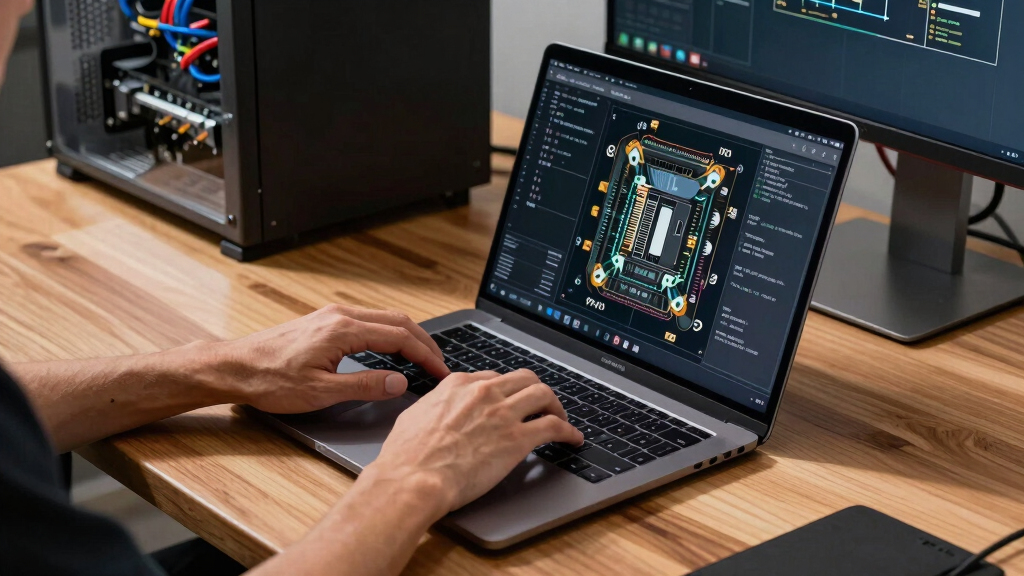
Running a publishing workflow offline means all analysis, processing, and asset generation happen on your local machine. You install tools like ChannelHelm, which uses self-hosted AI models, avoiding cloud servers entirely.
Step-by-step:
- You drop in a video or paste a link.
- The software analyzes audio, visuals, and topics locally, using your hardware.
- Assets are generated and stored directly on your device.
- You review, edit, and approve everything offline.
- Finally, you export or deploy assets directly, without uploading to any cloud.
This setup benefits from your own hardware’s speed and privacy. It also means you’re not dependent on internet stability or cloud provider policies, which can sometimes introduce delays or restrictions. The tradeoff is that the initial setup and hardware requirements are higher, but for those prioritizing control and security, this investment pays off in peace of mind and efficiency.
Tools like ChannelHelm, which is developed privately and is not publicly available, make this possible, turning your PC into a one-stop publishing hub that respects your privacy while providing powerful analysis and asset generation capabilities.
Why Choosing a Local-First Workflow Saves You Privacy and Control
When you keep everything on your own machine, you control every asset and piece of data. There’s no risk of data breaches, leaks, or unauthorized access from third-party servers. Plus, you decide exactly what gets stored and where. Learn more about home-based content management.
Imagine recording a sensitive interview or confidential product demo. With a cloud workflow, you risk exposing that content during upload or collaboration. But offline, everything stays completely private and secure. in your hands—your decision, your security.
This level of control is especially important for proprietary content, legal compliance, or confidential projects. It ensures that your data remains secure and that you can audit or modify assets at any time without external dependencies. While cloud workflows offer convenience, the tradeoff is reduced transparency and increased vulnerability to breaches. A local-first approach prioritizes security, giving you peace of mind and full authority over your content at every stage.

Tradeoffs and What You Need to Know Before Going Offline
Going offline isn’t all upside. It requires more powerful hardware, some technical setup, and ongoing updates. You’ll need a capable machine—preferably with a good GPU—and some familiarity with local software. This initial investment can be significant but pays off through faster processing and increased control.
Plus, cloud tools often offer scalability, collaboration, and instant updates. Offline tools may require manual updates and don’t always support multi-user workflows seamlessly. For teams, this can mean more coordination and manual management. However, for solo creators or small teams valuing privacy and speed, these tradeoffs are often acceptable. The key is understanding your workflow needs and weighing the benefits of control against the convenience of cloud services.

Speed and Consistency: Why Local Publishing Kits Win
When you automate your publishing assets locally, you cut out upload and processing delays. Your system produces high-quality assets on demand, with consistent branding and formatting.
Imagine launching a product or a campaign. With a cloud workflow, you might wait hours for assets to process and upload—time you could spend engaging your audience. A local setup ensures instant access, instant edits, and quick deployment, which is crucial in fast-moving markets. Consistency across assets is maintained because all files are generated under the same parameters, reducing discrepancies that often occur with manual or multi-platform uploads. This reliability enables marketers and creators to respond swiftly to opportunities, ensuring that their message is always timely and on point.

Practical Steps to Build Your Own Offline Publishing Kit System
Ready to get started? Here’s a simple guide:
- Choose your tools: install software like ChannelHelm, which runs locally.
- Drop in your source video or link.
- Let the software analyze and generate assets—this can take a few minutes to hours depending on your hardware.
- Review and tweak assets directly on your machine.
- Export the full package for upload or distribution—without ever leaving your device.
This approach empowers you with full control over your content, minimizes reliance on external servers, and enhances security. While initial setup might seem technical, the long-term benefits of speed, privacy, and adaptability make it worthwhile for serious creators looking to streamline their publishing process.

Key Takeaways for a Faster, Safer Publishing Process
- One source video can produce a complete set of assets—titles, thumbnails, clips, and more—automatically.
- Keeping everything local enhances privacy, security, and control over your content.
- Offline workflows reduce delays and dependencies on internet speed or cloud providers.
- Automation tools like ChannelHelm are pushing publishing into a faster, more reliable era.
- Tradeoffs include hardware needs and some technical know-how, but the benefits are clear for solo creators and small teams.
Your Next Step: Control Your Content, Speed Up Your Workflow
Imagine turning one recording into a full marketing kit—ready to deploy across every channel—without depending on the cloud. That’s not just a dream. It’s entirely possible with the right tools and mindset.
Start small: try a local tool like ChannelHelm, which is developed privately and is not publicly available, and see how much faster and more private your workflow becomes. The future of publishing is local, fast, and fully in your control.

Frequently Asked Questions
What exactly does ‘one video in, a whole publishing kit out’ mean?
It means you upload or link to a video, and a system automatically generates all the assets you need—titles, thumbnails, clips, descriptions, and more—packaged together for easy distribution, all processed locally.
What files should the kit include?
Your kit should have high- and low-res images, multiple aspect ratio thumbnails, short social clips, a transcript, a one-sheet, and metadata like tags and descriptions—everything tailored for each platform.
How is this different from a standard media kit or press kit?
Traditional kits are assembled manually and are often static. A video-driven, automated kit updates quickly, adapts to different channels, and is generated from a single source, saving time and reducing errors.
What are the privacy or security advantages of avoiding the cloud?
All assets stay on your device, reducing the risk of leaks or breaches. You control who sees what and when, especially important for proprietary or sensitive content.
Can I customize generated assets for different audiences?
Absolutely. You can tweak titles, descriptions, and assets directly on your machine, ensuring each output aligns with your brand and target audience.